To reset your password, begin by visiting the Gamer Choice website. Then, navigate to the Login, continue with your email, and select the “Forgot password?” option.
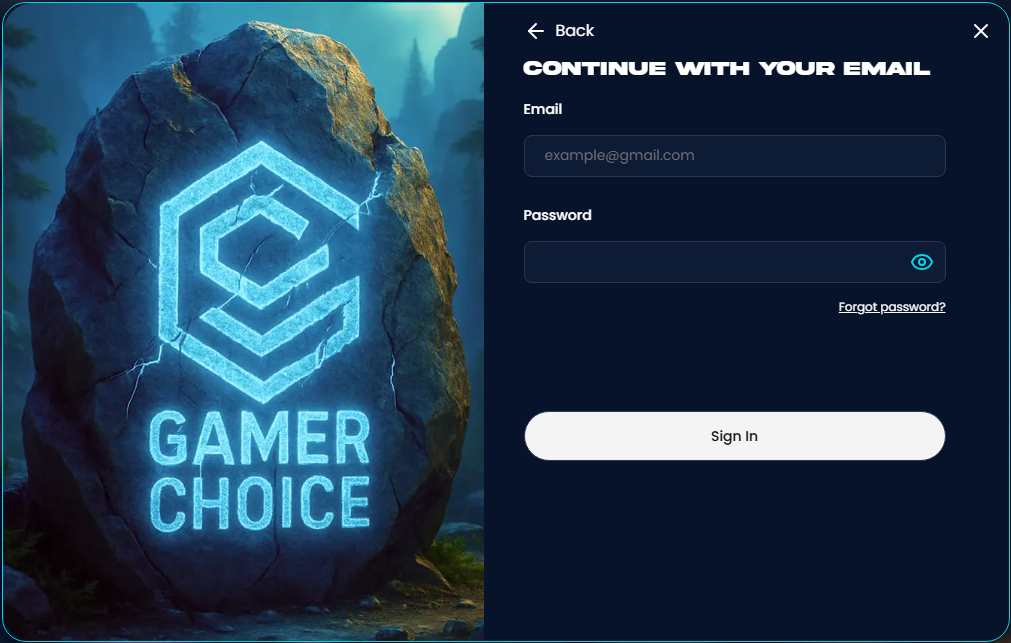
Proceed to enter your email address and initiate the password reset process. Remember to check your email and follow the provided instructions.
If you have lost access to your email address, you have the option to contact support and verify your identity. This will enable you to update your email address on your Gamer Choice account.
Was this article helpful?
That’s Great!
Thank you for your feedback
Sorry! We couldn't be helpful
Thank you for your feedback
Feedback sent
We appreciate your effort and will try to fix the article