If you wish to update your profile image, here are the steps to follow:
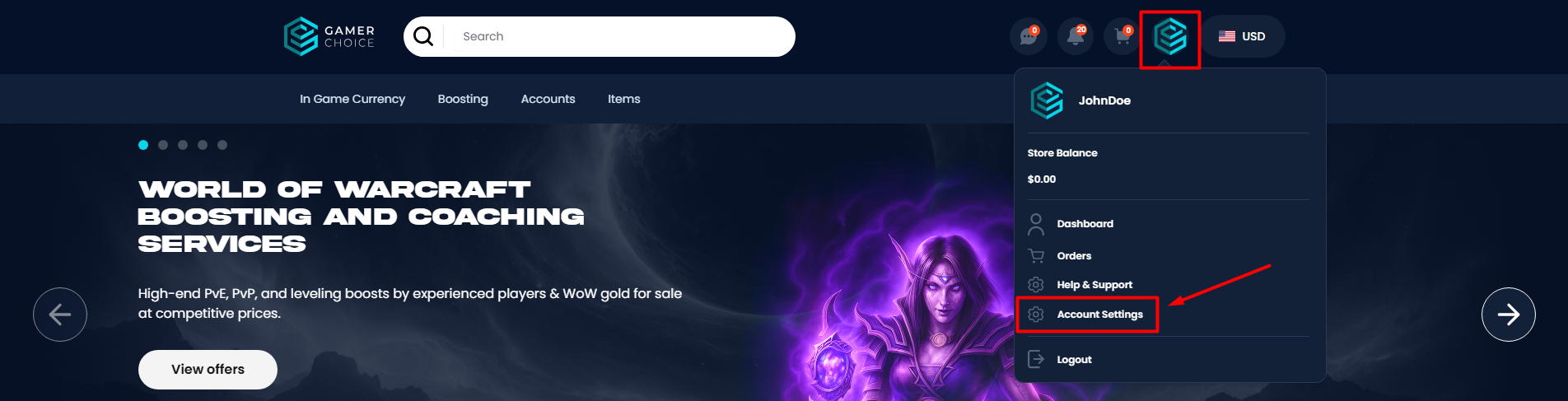
- Hover on your profile in the website menu and select "Account Settings".
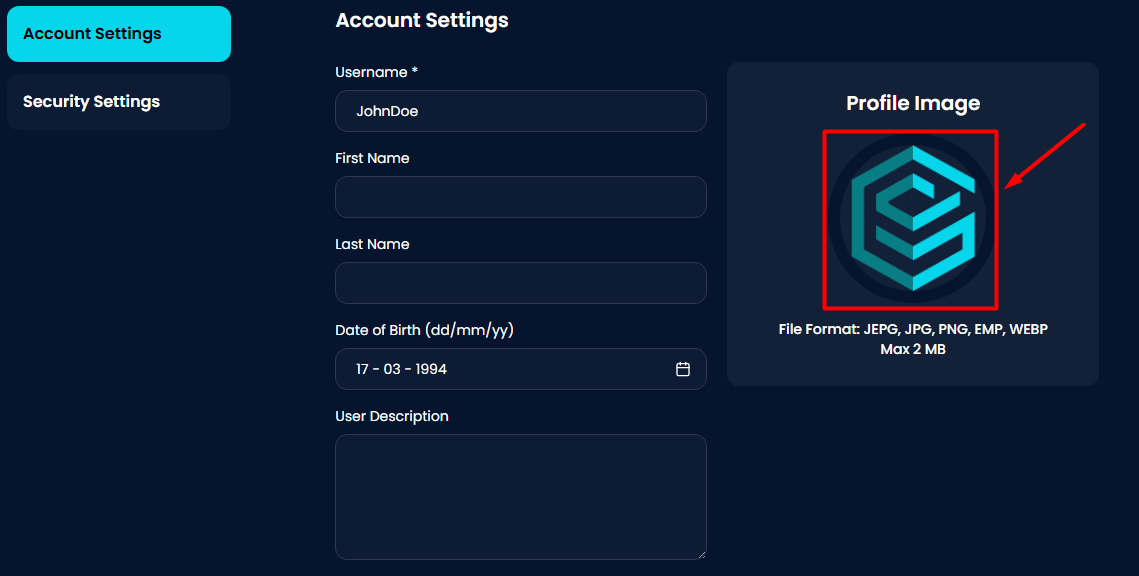
- Click on your profile image to upload your preferred image. Please note that not every format is allowed, and the maximum file size is 2MB.
- Scroll down and press "Save Settings".
Was this article helpful?
That’s Great!
Thank you for your feedback
Sorry! We couldn't be helpful
Thank you for your feedback
Feedback sent
We appreciate your effort and will try to fix the article