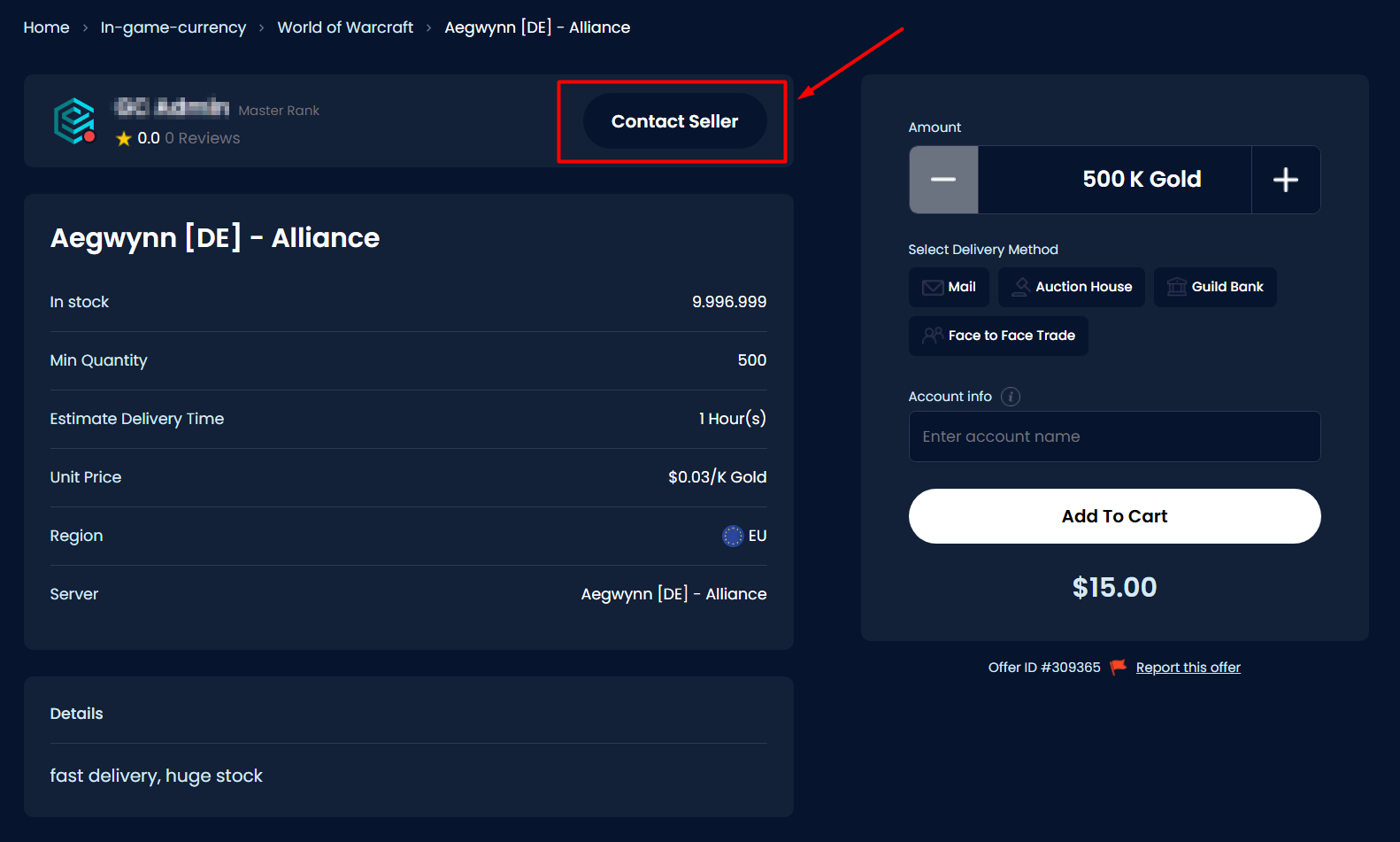
There are three methods to get in touch with a seller:
-
Inside the product offer, you'll find a "Contact" button.
- Following the purchase of a product or service, utilize the chat within the order. Visit your dashboard, click on "Orders," and open the specific order by clicking on the "View Details" button.

-
On the seller's profile, you'll find a "Contact seller" button.

Was this article helpful?
That’s Great!
Thank you for your feedback
Sorry! We couldn't be helpful
Thank you for your feedback
Feedback sent
We appreciate your effort and will try to fix the article